


Work Engineering: Navigation Maps
Agent Navigation for Zendesk
Strategic design to operational navigation. From complex processes to guided Navigation Maps.


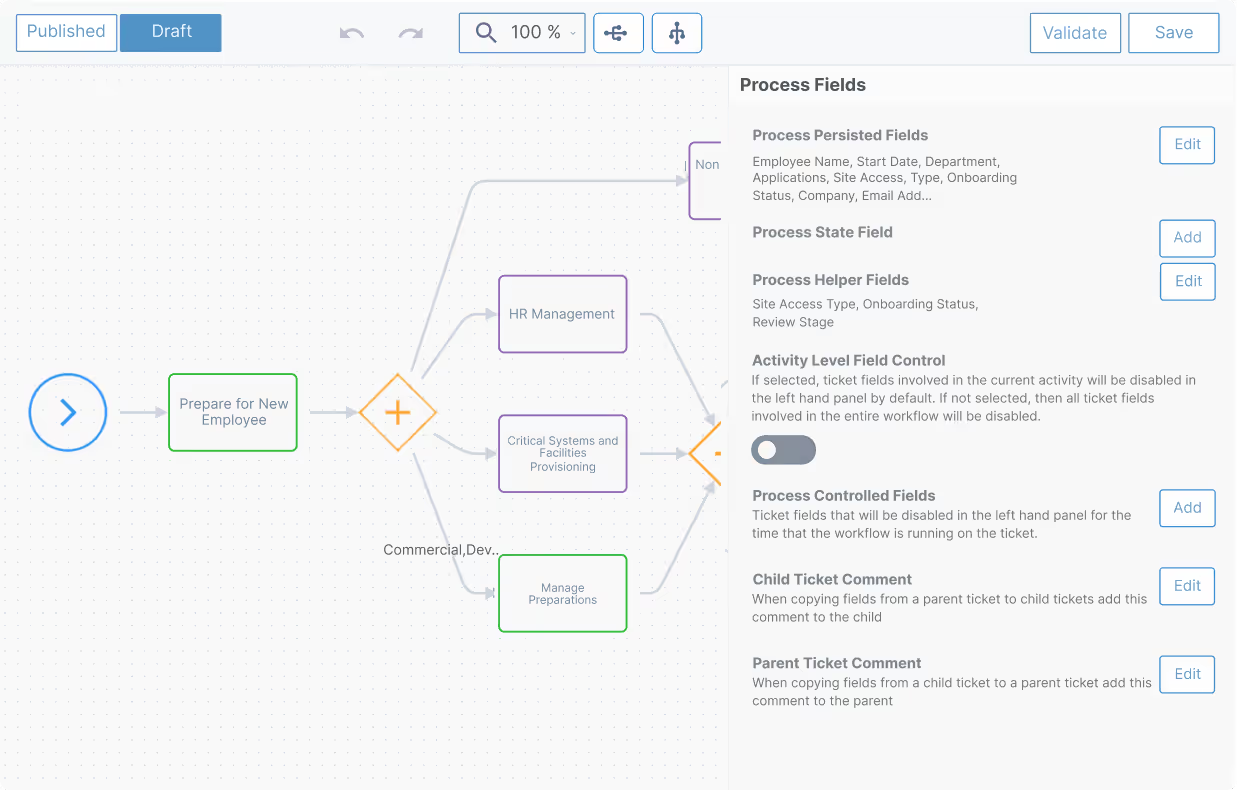
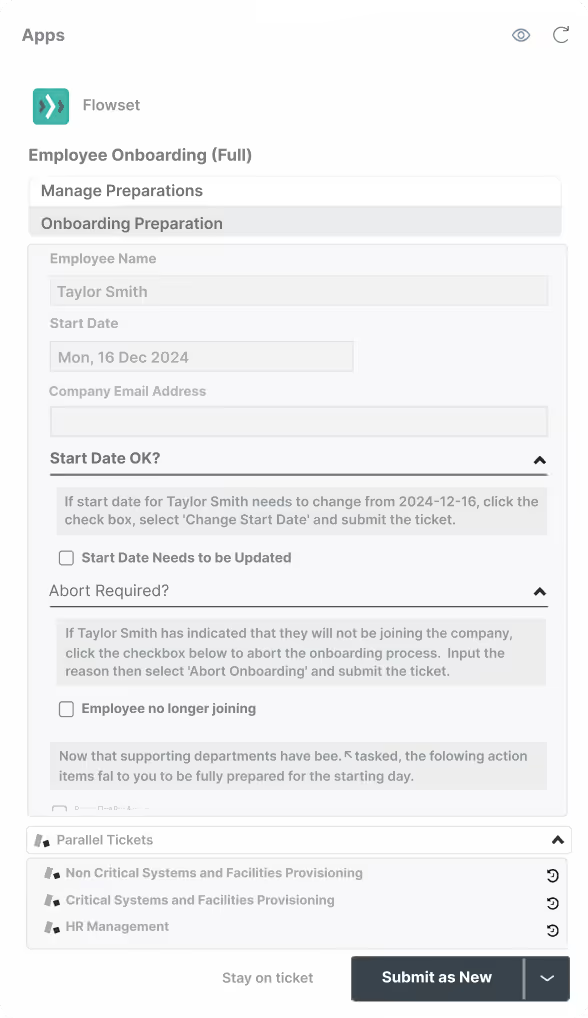
Agent Navigation for workflows where compliance must be guaranteed, not just encouraged.
Strategic Navigation Map Design
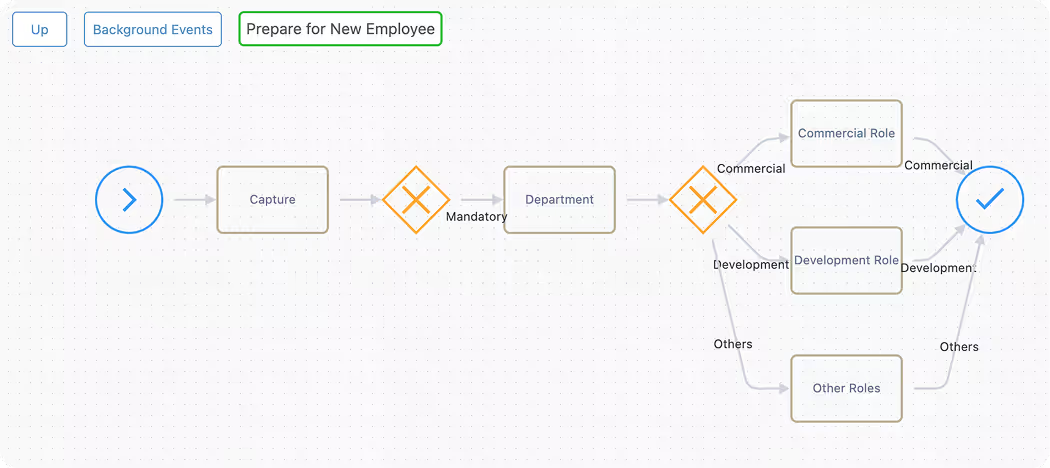
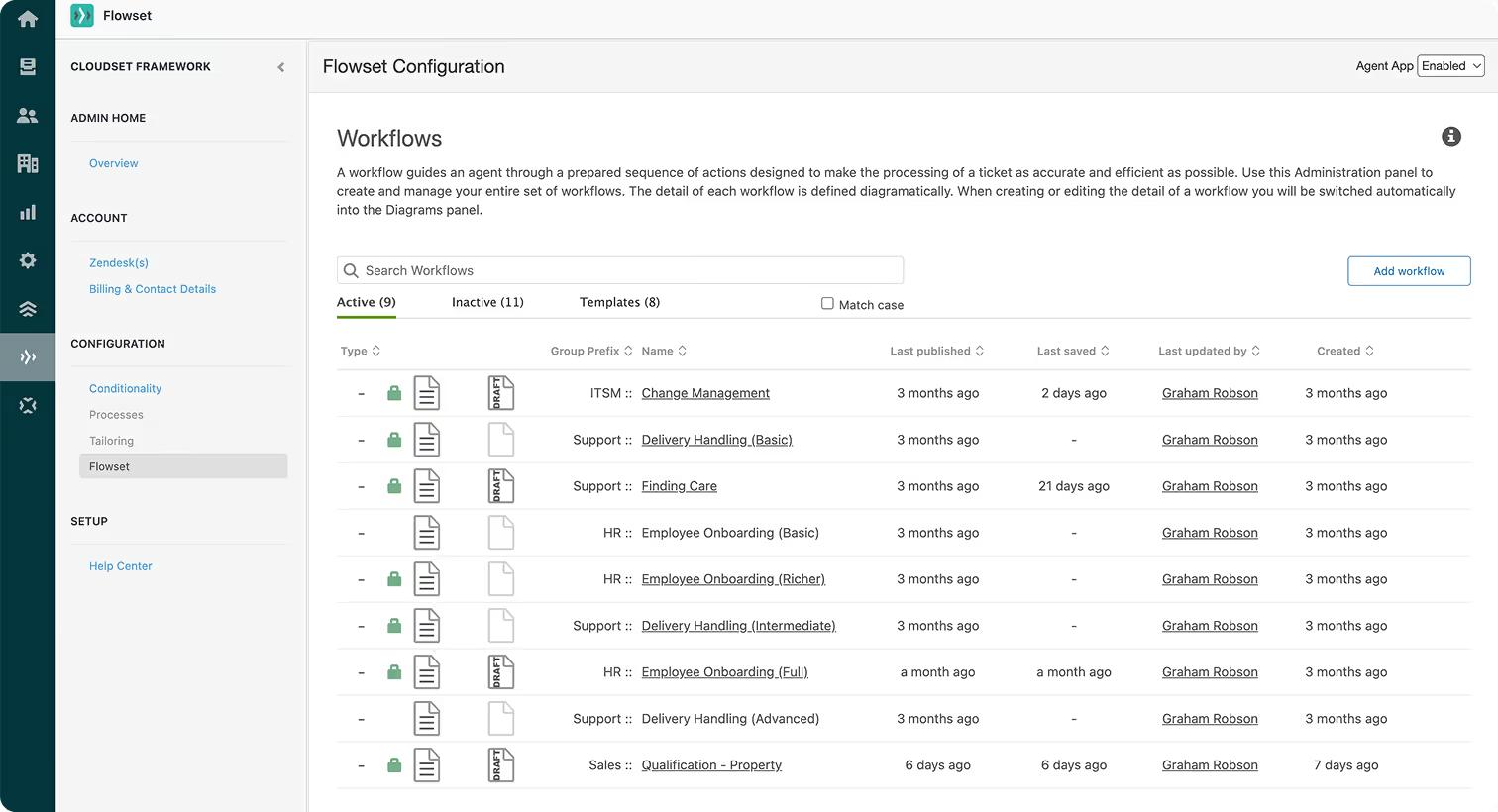
Navigation Maps let process owners design the paths agents follow, encoding compliance requirements, best practices, and business logic directly into the workflow structure. This is declarative design: the system becomes the process.
No more relying on agents to interpret documentation or remember training. Build the route once based on policy and compliance standards, then deploy that structure across every case.

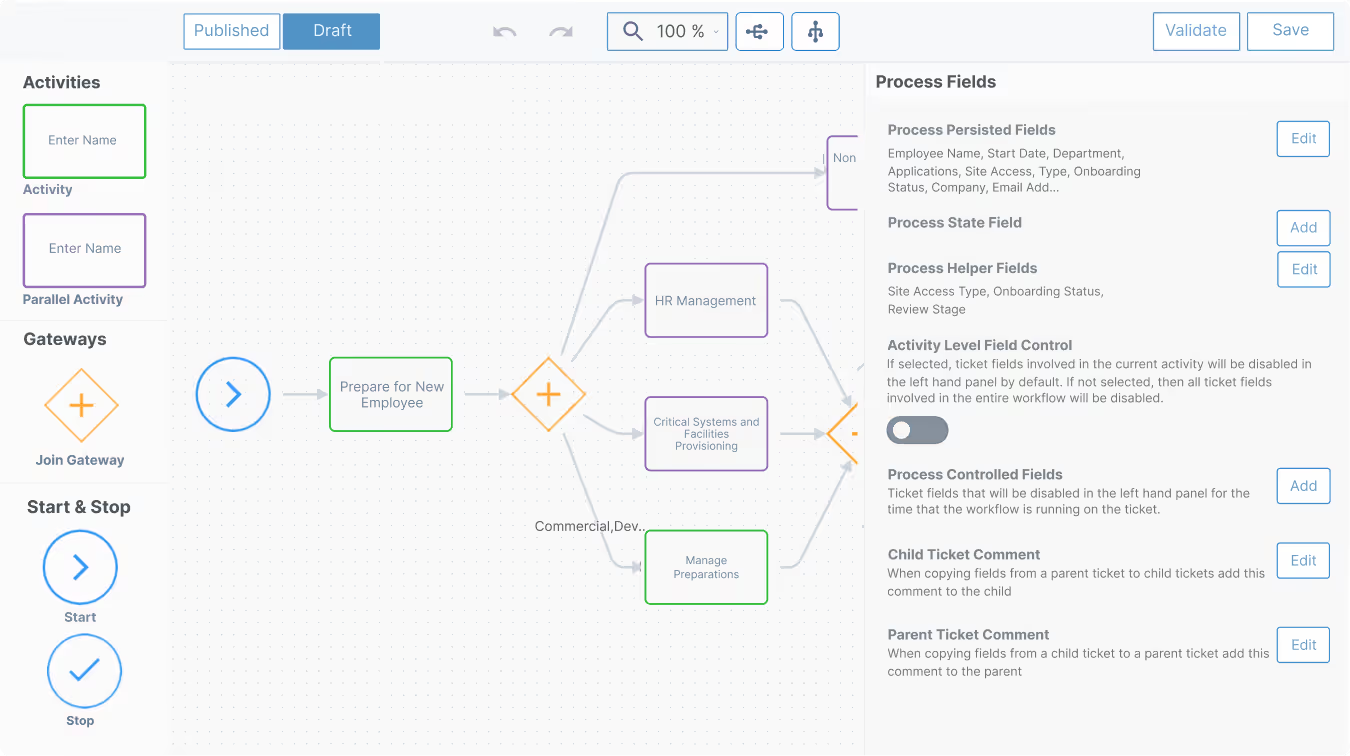
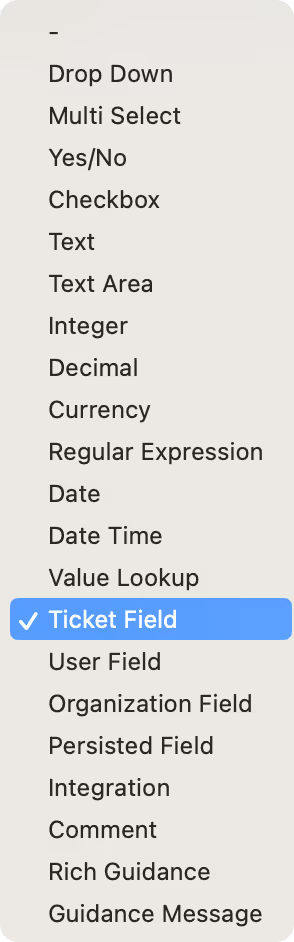
Operational Agent Navigation Maps
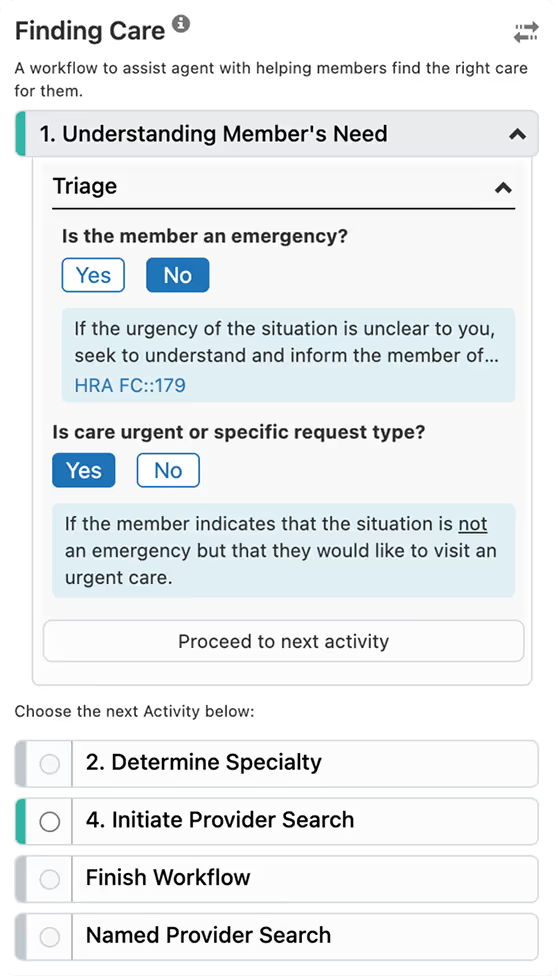
Interactive decision trees guide them step-by-step through actions. The system ensures nothing is missed and prevents progression until validation requirements are met. Agents move through complex workflows with confidence because compliance is built into every step.

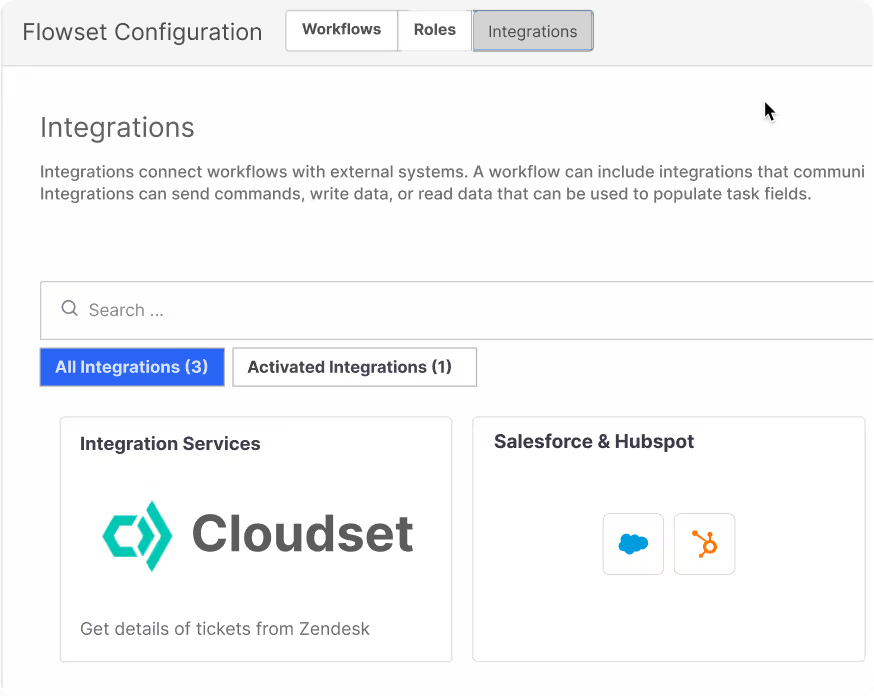
Integration

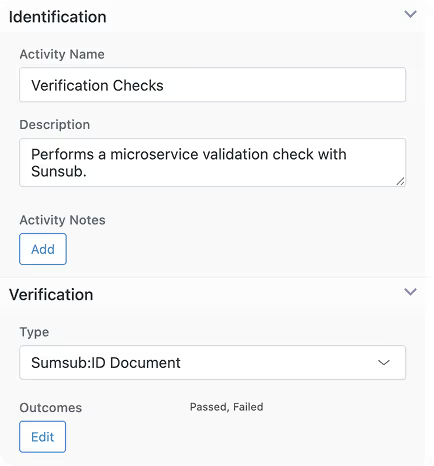
Management

Common Mapping Use Cases
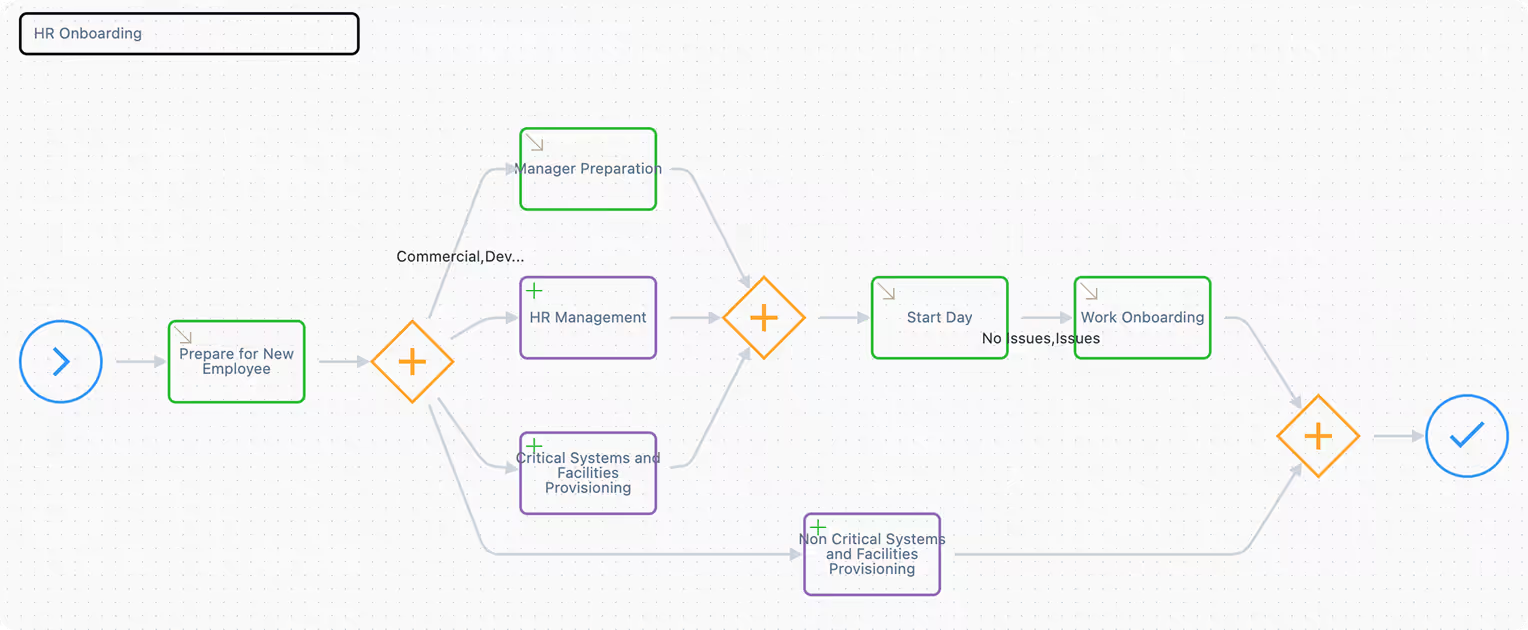
HR & Customer Onboarding
- Broad and deep ticket lifecycle management
- Spawn multiple sub-tickets and then rejoin at the right point to accelerate progress.
- Apply business logic to ensure each Activity is fully completed before proceeding to the next.
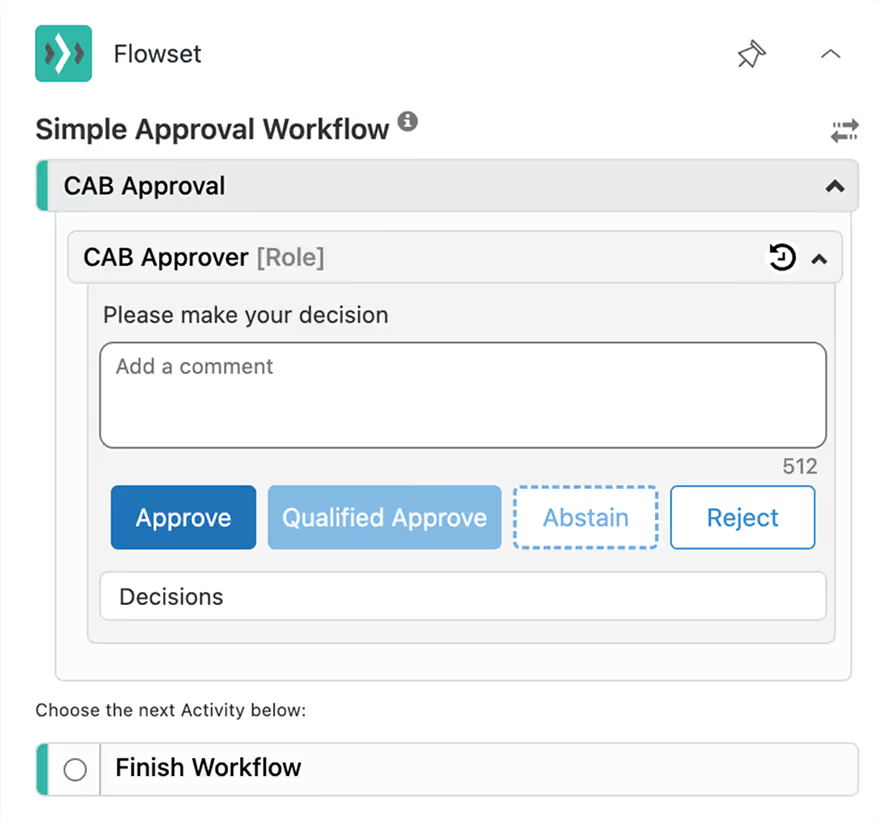
Change Management & Approvals
- Detailed capture forms ensuring essential data is collected
- Context-driven approvals inside and outside the organization
- Complete and measurable audit trails
Diagnostic Troubleshooting or Advising
- Data-driven business logic for accuracy and consistency
- Multiple paths and tailored resolutions
- Delegate decisions to empower agents to resolve safely and quickly


Achievable Mapping Impacts
B2B & B2C teams love using Flowset - it Shows





Reassuringly High-value
Everything you need to Know - Upfront

No. It's an augmentation and extension to Zendesk. It's an app visible in the Zendesk workspace right-hand app tray.
Configuration dependent, it can set Zendesk field data and restrict ticket field setting, where it is desirable to do.
No. Flowset is supported by workflow engine implemented with web services that execute the navigation maps designs.
In rare cases, Zendesk may experience temporary operational issues that affect Flowset's ability to hide fields or apply rules. In the worst case, this could prevent ticket updates.
If this happens, simply use the Flowset kill switch to disable the app.
These scenarios are rare and temporary.
The Cloudset Framework, specifically the configuration tools, require API access to your Zendesk, via Zendesk's secure OAuth mechanism. This is revocable at any time from the Zendesk admin account used to install the app, via the user security setting tab.
Flowset only persistently stores outside of Zendesk, Field ID's, Field Option Value ID's, Group ID's Form ID's, and Brand ID's, along with the admin account holder email and granted OAuth token. Transmission of this data is over https, and all data stored is encrypted at rest. The only other use of the REST API is to look-up ID values to display in the configuration tool.
Configuration dependant, Flowset set's fields, much in the same way as Zendesk Triggers and Macros. It uses the Zendesk REST API.
Security management is governed by Cloudset SOC2 Type 2 compliance provisions.
No. Flowset can be restricted to only the agent groups that require Navigation Maps.
Work Engineering:
Navigation Maps
Start a 14-day trial today
